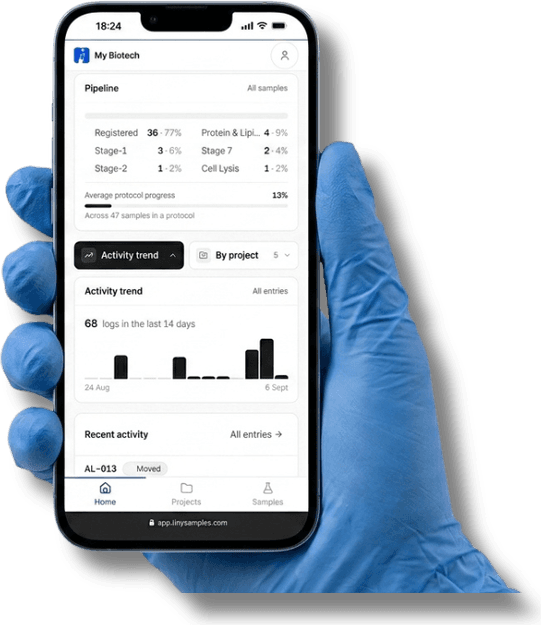
Log it where you stand.gloves on.
A simple sample log for small research labs. Tap each step as you do it, on your phone, and find the full story later.
- Free for 100 samples
- No card
- Nothing to install
Why we built it
Most labs lose track the same way.
The work happens at the bench. The record lives on a computer at a desk. Everything in between is a chance to forget.
01
Do the work
at the bench
02
Write it on the tube
or on a bit of paper
03
Walk to the computer
gloves off
04
Type it up
or forget
tinysamples removes steps 2 and 3. You log the step on your phone, right where you did it. There is nothing to type up later, so nothing gets lost on the way.
6.6%
of records typed up by hand can contain a mistake. That is the step we remove.
Published studies of manual data entry, 2.8–6.6%: JAMIA 2019; a 2025 review of 93 studies.
See for yourself
Try one sample right here. four taps.
This is a small copy of the app. Tap the step you just finished. It is saved with the exact time and your name.
a demo. the real app works the same way.
AL-015
RNA extraction
Tap the step you just finished
History
- #1 Registeredyou · --:--:--
The whole app in three screens
Sort it, tap it, watch it move.
screenshots from the live app.
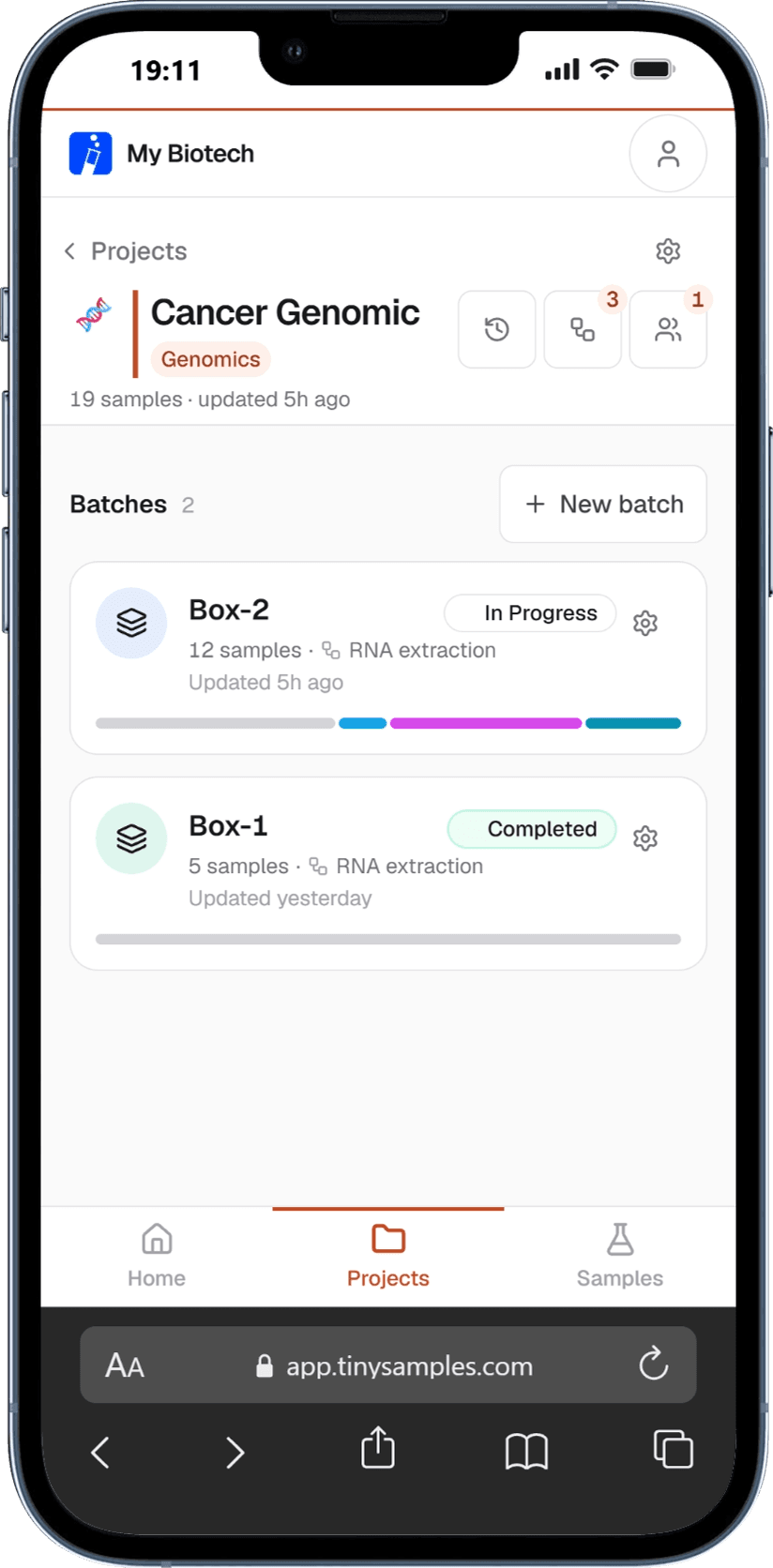
01
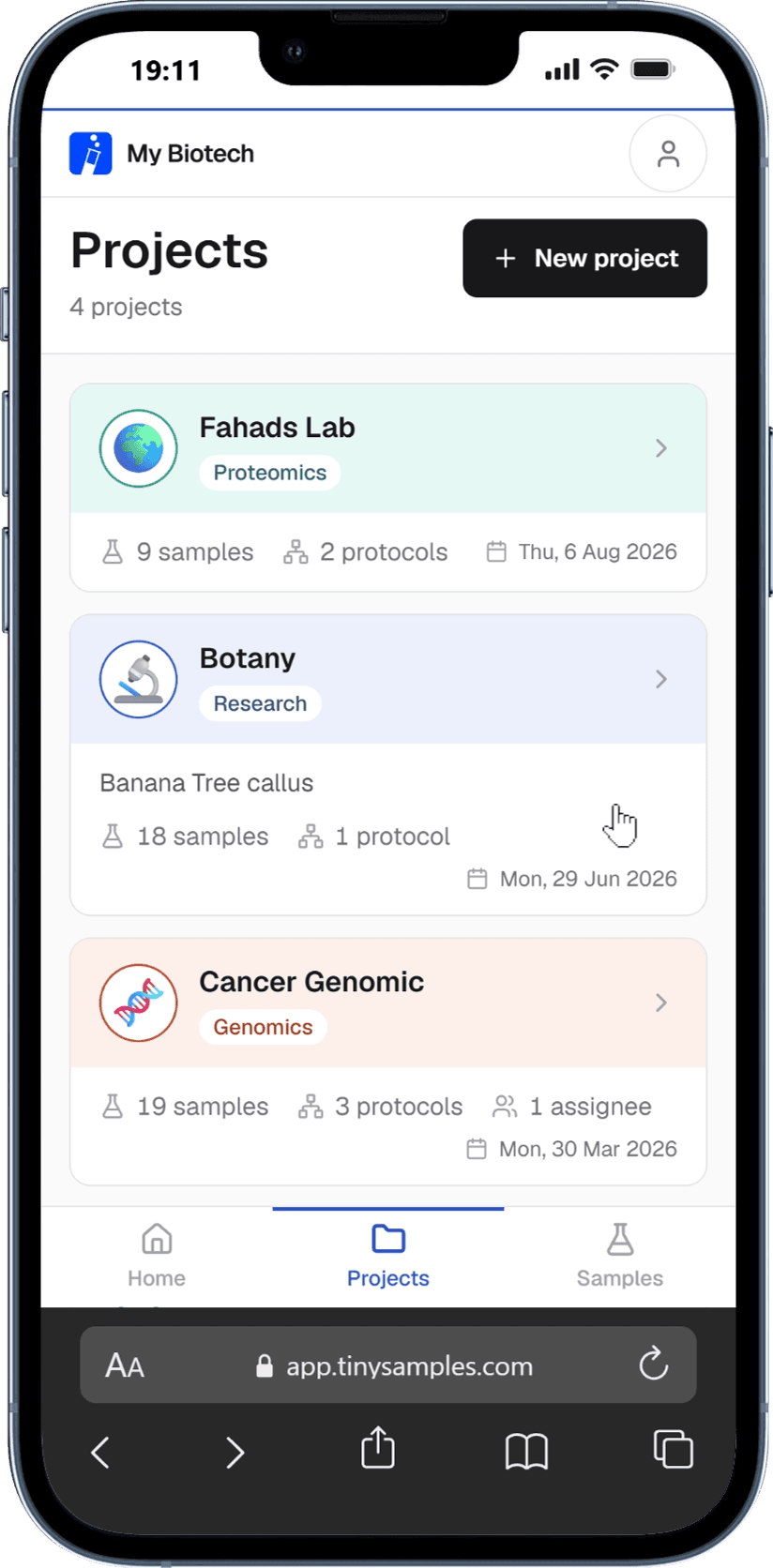
Every project, one place.
Your labs, your projects, your samples. Open one to see what is inside.
02
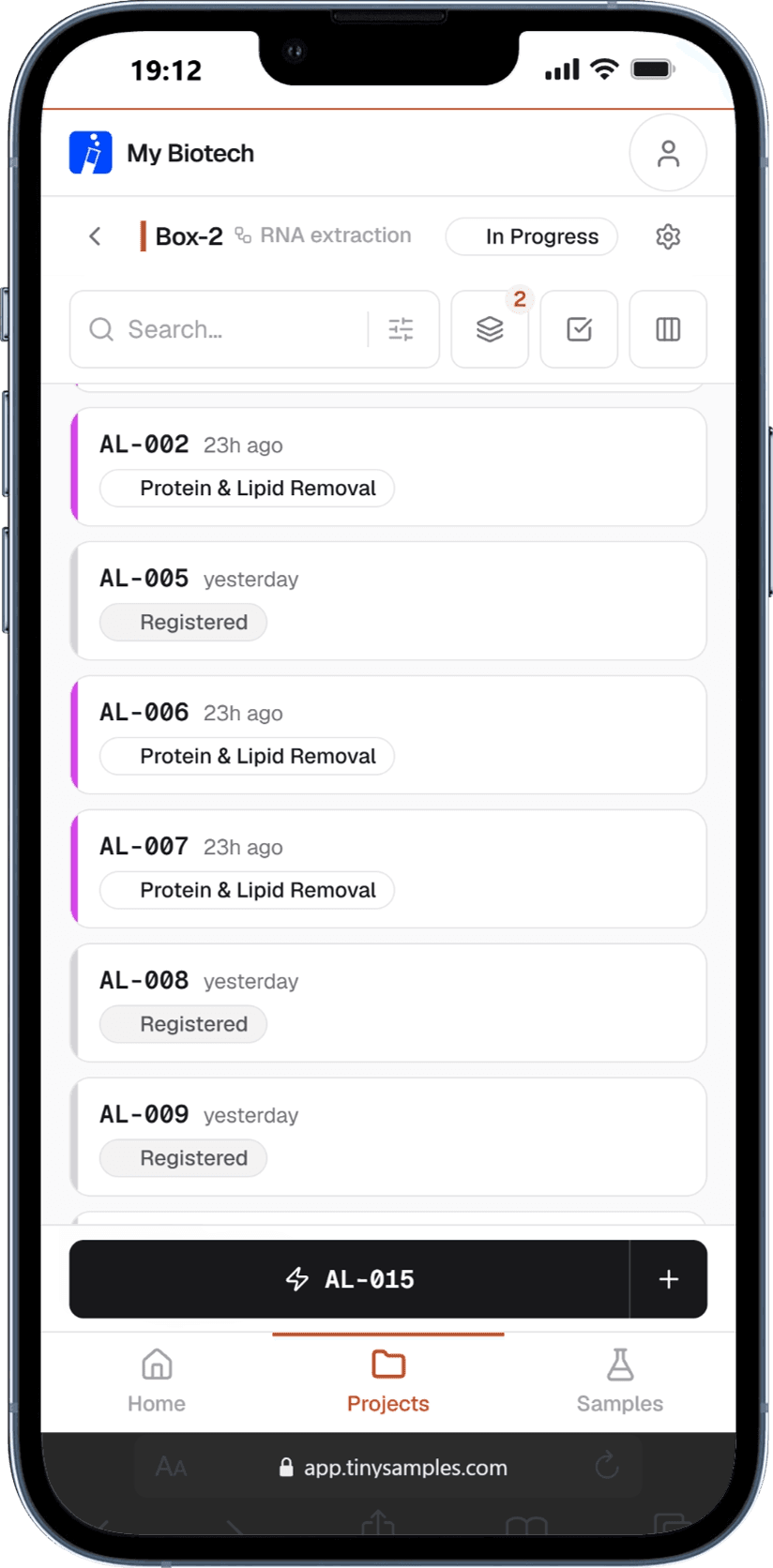
Add samples. Tap as you go.
Each sample gets its own ID. When you finish a step, tap it. The app writes down who did it and when.
03
See where everything stands.
Each batch shows how far along it is. Search finds any sample by name or ID.
01
Every project, one place.
Your labs, your projects, your samples. Open one to see what is inside.
02
Add samples. Tap as you go.
Each sample gets its own ID. When you finish a step, tap it. The app writes down who did it and when.
03
See where everything stands.
Each batch shows how far along it is. Search finds any sample by name or ID.
Who it is for
Small labs that repeat the same steps on many samples.
Two to twenty people. One method, done on dozens of tubes, plates or cages. If your lab is regulated or clinical, this is not the tool for you, and we say so again further down.
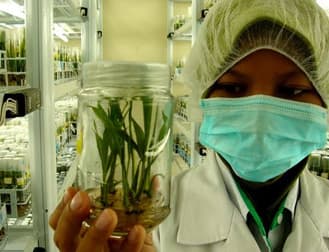
Plant tissue culture
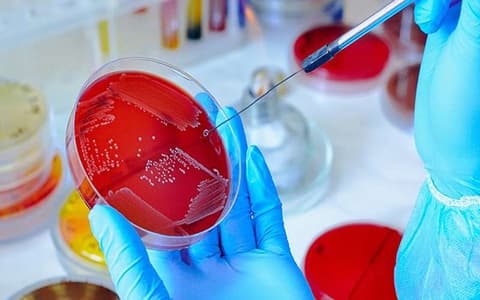
Microbiology
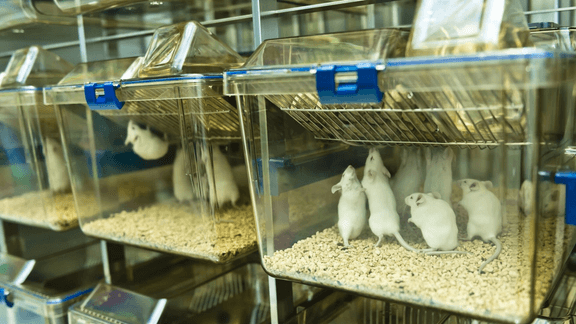
Animal research
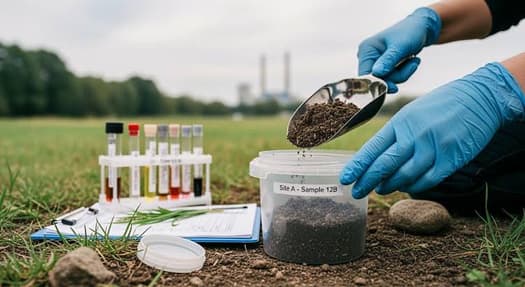
Environmental & soil
- Plant tissue culture
- Microbiology
- Animal research
- Environmental & soil
- Agricultural research
- Cell culture
- Genomics
- Proteomics
- Botany
What you can count on
Your records stay honest. that is the whole point.
A record is only useful if you can trust it a year from now, after the person who wrote it has left.
- 01
Every entry has a name and a time.
Down to the second. Never just "2 hours ago".
- 02
Sample IDs never change.
Once a sample has history, its ID is locked. It is never reused.
- 03
Nothing is quietly overwritten.
If someone edits or deletes an entry, the old version is kept too.
- 04
Your lab's data is kept apart from every other lab's.
The database enforces this, not just the app.
- 05
You can always leave with your data.
If you cancel, you get 30 days to export everything.
tinysamples is not
- a lab notebook
- an ordering tool
- a DNA design tool
- a regulated LIMS
- self-hosted
It is not a medical device. The full list is on the pricing page.
Who made this
Two people. One of us spent two years at a lab bench.
Every lab we have worked in ran on a shared spreadsheet, and by March nobody trusted it. So we built this. We are new, and we will not show you logos we have not earned. What we can show you is the app, the prices, and ourselves.
Sunayda & Alvee
support@tinysamples.com
Sunayda Jahan Sruty
Co-founder · Biotechnologist
Trained as a genetic engineer and biotechnologist. Two years running lab work at the bench.
Looks after Lab operations, protocols, and making sure the app works at a real bench.

Alvee Alam
Co-founder · Go-to-market
Second-time founder. Runs pricing, onboarding and support.
Looks after Pricing, onboarding, and every support email.
What it costs
Free until you have 100 samples.
After that it is $12 a month for one person, or $29 a month for your whole lab, up to 20 people. Not per person. A student who joins in October costs nothing extra.
Free
1 workspace · 100 samples · 1 user
$0
Pro
Unlimited samples · custom fields · batches · CSV export
$12/mo
Team
Up to 20 users · shared workspace · audit export
$29/mo
Before you start
- I have never heard of you. Who uses this?
- Nobody you have heard of. tinysamples is new, and we will not show you logos we have not earned. What we can show you: real screenshots of the app, every price and every limit, and the two people who built it, by name and by face, on the homepage. The support email goes to them.
- Is this a LIMS?
- No. A LIMS runs a whole lab and takes months to set up. tinysamples tracks samples and takes two minutes. If you need instrument connections or validated workflows for regulated work, you need a real LIMS, not this.
- Does it work on my phone?
- Yes. That is the whole point. Everything works in your phone browser, at the bench, with one hand. There is no app to install.
- What happens to my data?
- Each lab has its own separate workspace, and everything is encrypted. If you cancel, you get 30 days to export everything before the workspace is deleted.
Two minutes. One sample.
Add one real sample from your phone and see if it sticks.
Not sure it fits your lab? Email support@tinysamples.com. It goes to Sunayda and Alvee.