
Feature ·
Sample tracking built for the phone at the bench, gloves on.
The full tinysamples app runs in a phone browser — register a sample, log an action, search the history, one-handed, at the bench. Not a companion app to a desktop system: there is no desktop system. Nothing to install, nothing for IT to approve, free for 100 samples. The honest limits: no offline mode and no barcode scanning, both printed below.
Why does mobile-first matter in a lab?
Because the samples are in the freezer room and the software, traditionally, is not. Records die in the gap: you move a box with gloves on, the computer is at your desk, and the update happens later, from memory — or never. A record you cannot write at the bench is a record of what people remembered, not what happened.
The established tools ship phone apps as companions — a mobile window onto a desktop LIMS, with the setup and the price of the desktop LIMS. tinysamples is the other way around: the phone is the primary interface, and the desktop browser is the companion.
What works on the phone?
Everything — there is no cut-down mobile mode. Register a sample and get its auto-generated ID standing at the -80. Log an action in the freezer room and it is recorded with who and when, automatically. Search the whole history by typing two characters. Move a batch. Tap targets are 44px because gloved thumbs are not precise, and every screen works one-handed because the other hand is holding a rack.
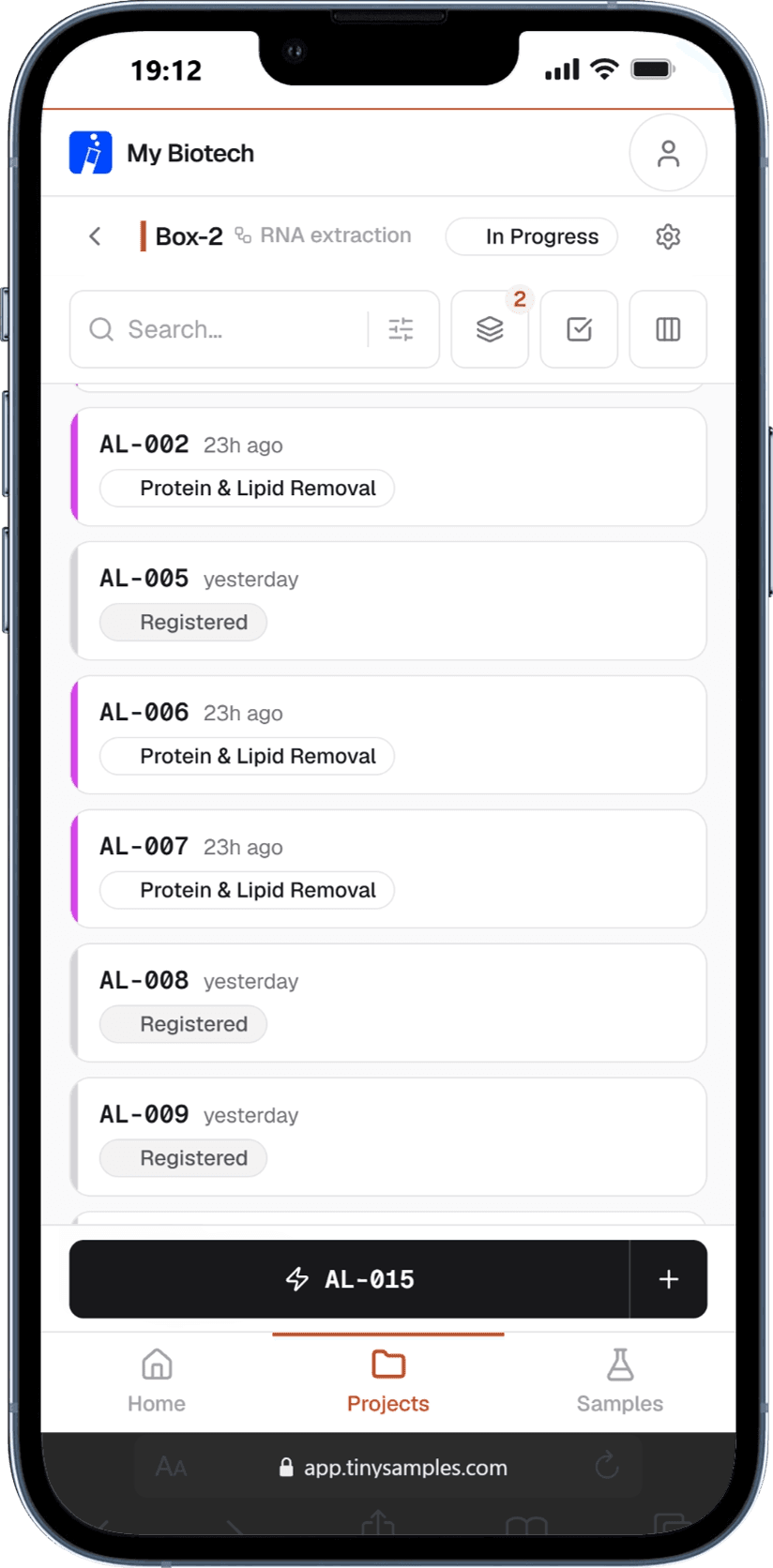
What does it not do?
No offline mode — it is a web app and needs a connection. No barcode or QR scanning. No native app, which also means no push notifications. If those are hard requirements, a heavier system earns its weight for you; the comparison at tinysamples vs Benchling is a fair place to start.
Which plan is this on?
| Price | Phone access | |
|---|---|---|
| Free | $0 | Full app, phone and desktop |
| Pro | $12/mo | Full app, phone and desktop |
| Team | $29/mo flat | Full app, phone and desktop |
Free for 100 samples. No card.